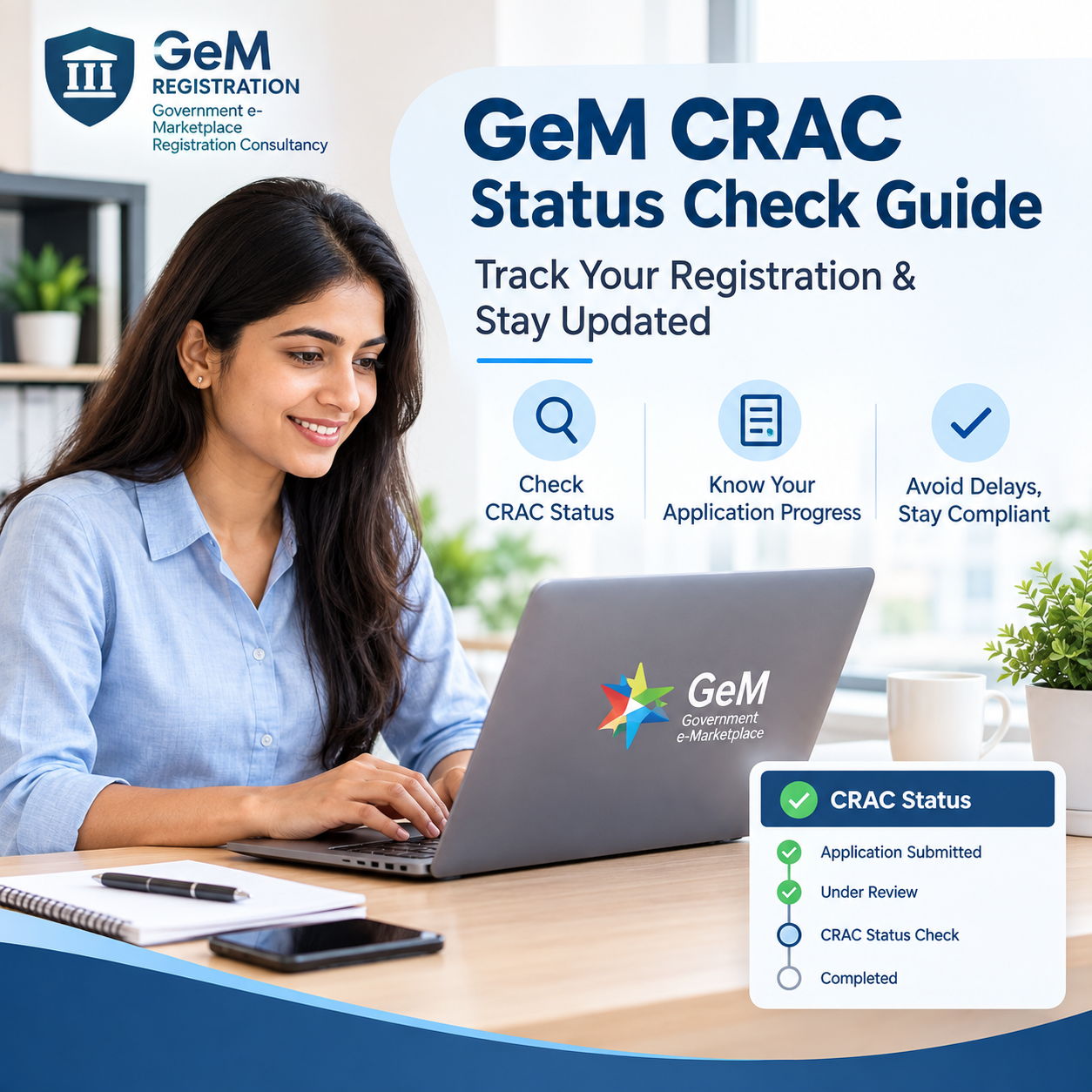
GeM CRAC Status Check Guide: How to Track Your Certificate Online
If you sell or buy on the Government e-Marketplace (GeM), you already know that payment doesn't happen the moment goods are delivered. It happens after a document called CRAC is generated. If your money is stuck, the first thing to check is your GeM CRAC status. This guide explains what CRAC is, why it matters, and exactly how to check its status step by step.
What Is CRAC on GeM?
CRAC stands for Consignee Receipt and Acceptance Certificate. It is a digital certificate generated on the GeM portal once the consignee (the buyer or the receiving department) confirms that the goods or services have been delivered, inspected, and accepted.
In simple words: no CRAC, no payment. It is the final proof of acceptance that the government's payment system needs before releasing funds to the seller.
CRAC usually comes after another document called PRC (Provisional Receipt Certificate), which is issued within 48 hours of delivery. CRAC follows after inspection, and by GeM rules, the consignee is expected to generate it within 10 days of delivery.
Why Checking Your CRAC Status Matters
Delays in CRAC generation are one of the biggest reasons sellers face late payments on GeM. Checking your CRAC status regularly helps you:
- Know exactly where your order stands in the payment cycle
- Spot delays early and follow up with the consignee before they become disputes
- Confirm whether goods were fully accepted, partially accepted, or rejected
- Avoid confusion when raising payment or grievance tickets
- Keep your account in good standing, since unresolved CRAC issues can affect future order eligibility
Step-by-Step: How to Check CRAC Status on GeM
Here's a simple process to check the status of your CRAC on the official GeM portal.
- Log in to the GeM portal using your seller or buyer credentials.
- Go to your Dashboard.
- Click on Contracts or Product Order.
- Select All Contracts (or the relevant order category).
- Search for the specific order using the Contract or Order number.
- Open the order details and look for the Order Status / Delivery & Acceptance section.
- Here you'll see the current stage: whether PRC is pending, PRC is done and CRAC is pending, or CRAC has been generated.
- If CRAC is generated, you can view or download it directly, along with details like accepted quantity, rejected quantity, and the acceptance date.
If the status has been stuck at "CRAC Pending" for longer than the standard 10-day window, it's time to follow up with the consignee or raise a formal query through GeM's support channel.
Common Reasons CRAC Status Gets Delayed
- The consignee hasn't completed physical inspection yet
- Digital Signature Certificate (DSC) issues on the consignee's end
- Goods were partially accepted or under dispute
- Internal departmental delays in the buyer organization
- Missing or mismatched documents (invoice, GRV number, delivery challan)
If you notice any of these, it's worth reaching out proactively rather than waiting for the portal status to change on its own.
What to Do If CRAC Is Stuck
- Politely follow up with the consignee's office, sharing the order number and delivery proof.
- Check if the PRC was generated correctly first, since CRAC cannot happen without it.
- Keep all inspection and delivery documents ready in case a dispute is raised.
- Use GeM's grievance or support ticket system if there's no response after reasonable follow-up.
- If you regularly manage multiple GeM orders and find manual tracking difficult, expert support can save a lot of time and back-and-forth.
This is exactly where working with a professional GeM service partner helps. If you want dedicated help tracking order status, managing CRAC follow-ups, or resolving payment delays, the team at GeM Portal Services can guide you through the entire process without the guesswork.
Difference Between PRC and CRAC
It's easy to confuse these two, so here's the simple version:
|
Document
|
When It's Issued
|
What It Confirms
|
|
PRC (Provisional Receipt Certificate)
|
Within 48 hours of delivery
|
Goods were physically received
|
|
CRAC (Consignee Receipt & Acceptance Certificate)
|
Within 10 days of delivery
|
Goods were inspected and accepted (or rejected)
|
Payment is tied to CRAC, not PRC. So even if PRC is done quickly, your payment clock doesn't officially start until CRAC is issued.
Final Thoughts
Staying on top of your GeM CRAC status isn't just good practice, it's essential for getting paid on time. Make it a habit to check your order status regularly, keep your documentation ready, and follow up early if something looks delayed. If the process feels overwhelming or you're managing a high volume of GeM orders, getting support from a specialist like GeM Portal Services can make tracking and resolving CRAC issues much simpler.
FAQs
Q1. How long does it take to generate CRAC on GeM?
As per GeM guidelines, the consignee should generate CRAC within 10 days of delivery, after inspection is complete.
Q2. Can I get paid without CRAC?
No. Payment on GeM is released only after CRAC is generated and the seller submits their bill against it.
Q3. What if CRAC shows partial acceptance?
It means only part of the delivered quantity was accepted. Check the rejection reason and follow up on the remaining quantity as per the contract terms.
Q4. Who is responsible for generating CRAC?
The consignee, meaning the buyer or the authorized government official who received the goods or services, is responsible for generating CRAC.
Q5. Where can I get help if my CRAC is delayed for a long time?
You can raise a ticket through GeM support, or reach out to a professional GeM consultancy like GeM Portal Services for hands-on assistance.